


Chrome Content Settings
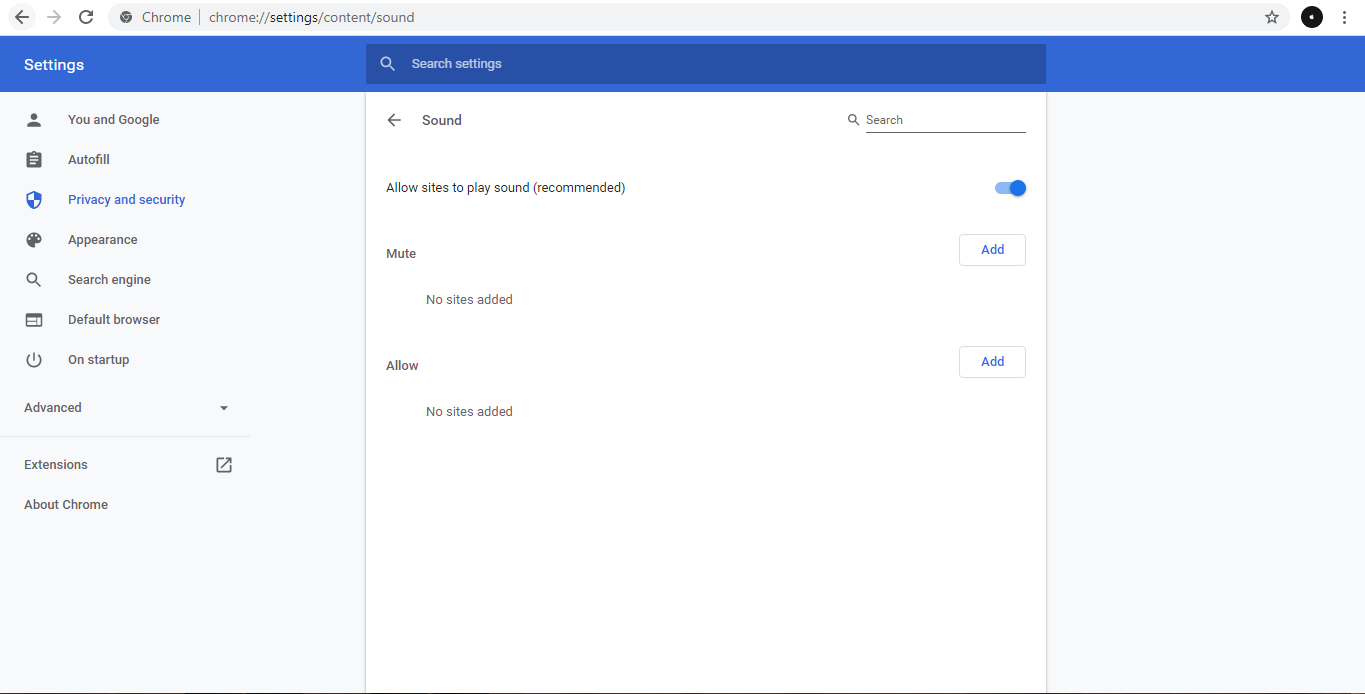
Chrome default content setting is blocking the playing of audio files used in the voice read-out and chime. You will need to manually reconfigure the settings using the procedure below.
- Run «Chrome»
- Access the URL below using «Chrome» URL:
chrome://settings/content/sound
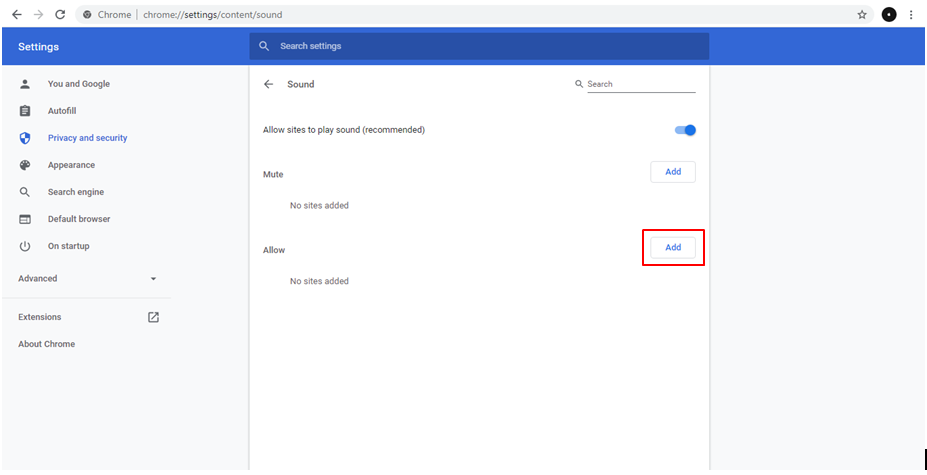
- Click «Add» button
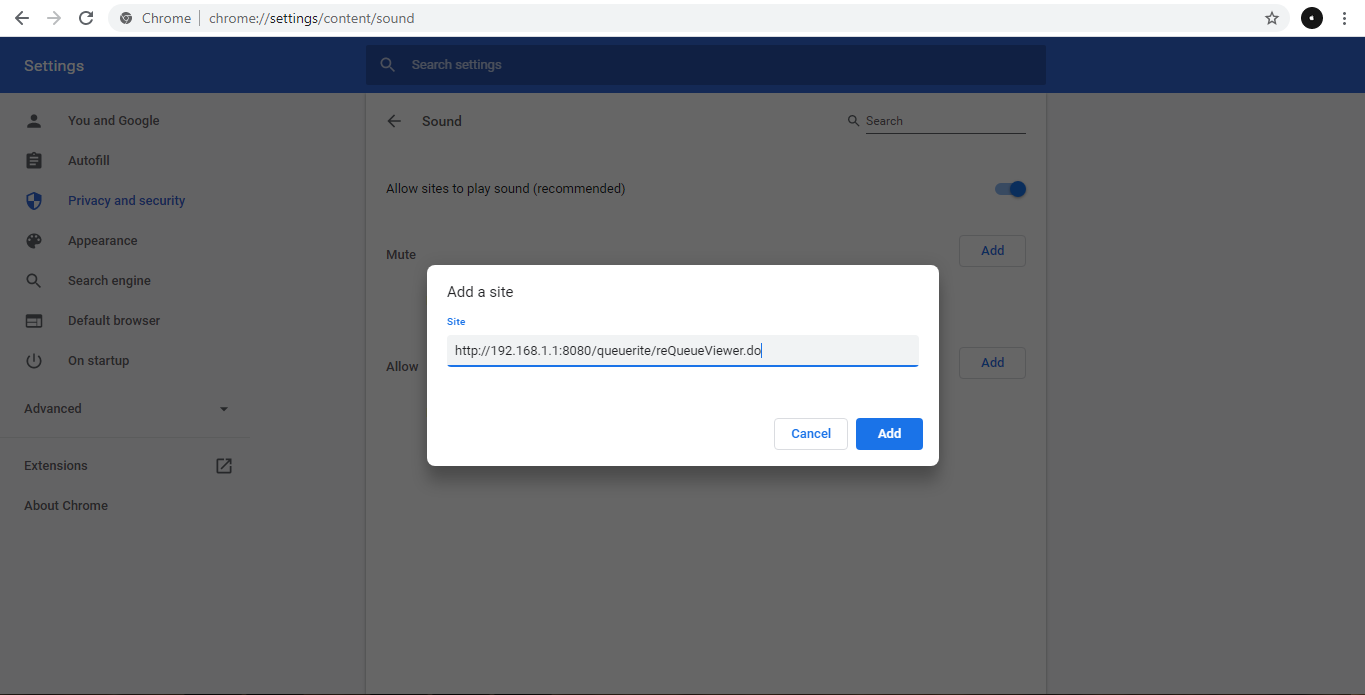
- Input the URL used in accessing the viewer/display, then click «Add» URL samples:
http://<ServerIPAddress>:<Port>/<ProjectName>/reQueueViewer.dohttp://192.168.1.1:8080/queuerite/reQueueViewer.do
- Refresh the viewer/display
